
Artificial Intelligence and Data
Document processing
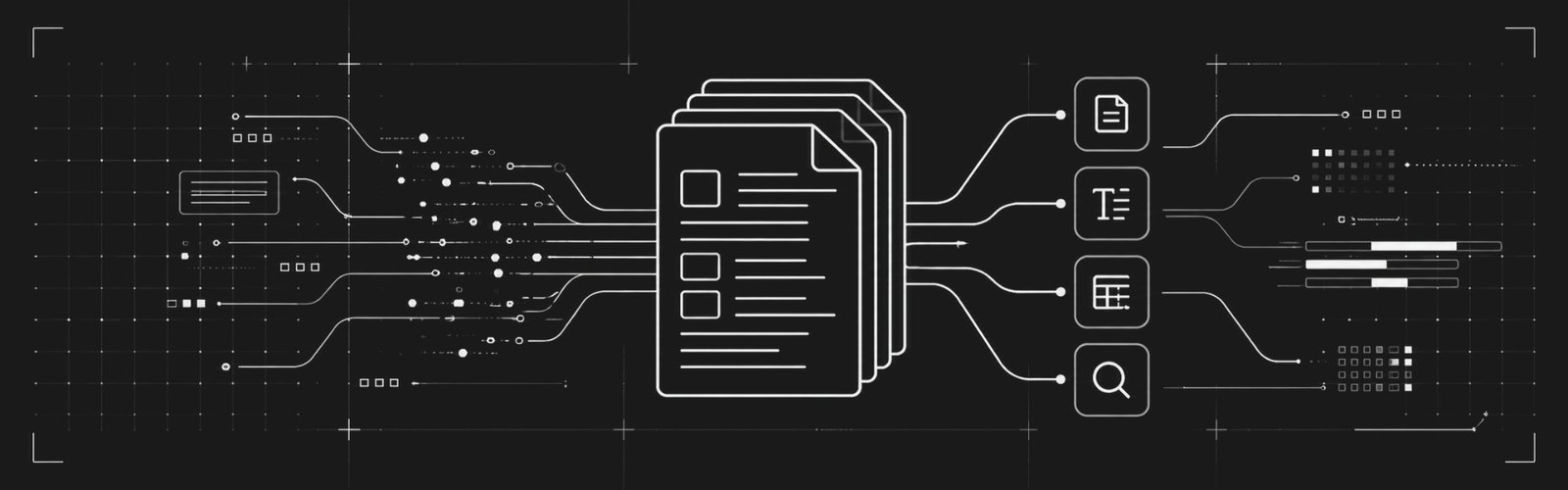
An inbox with a thousand invoice PDFs, a forty-page contract someone must read before signing, or a crooked scan—today this can flow through AI without turning finance into a treasure hunt. Viscale builds the pipeline: intake (email, folder, API), OCR when needed, document-type classification, structured extraction to JSON or ERP columns, validation against hard rules (does the tax ID exist? do line totals match?), and an exception queue for humans when the machine flags doubt. Full traceability: which file, which layout version, who approved a correction.
We do not promise magical 99.9% on day one: we start with the document type that hurts most and a sample you already labeled manually. We measure field-level accuracy—not only “it looks right.” When a vendor changes the invoice layout, the system can flag a confidence drop and send a batch for retraining or template tuning instead of silently swallowing errors.
Documents we handle
Service or product invoices
Payable line, taxes, and buyer fields extracted for reconciliation.
Contracts with key clauses highlighted
Term, penalty, auto-renewal—a checklist so legal does not miss the thread.
Payment proofs or wire advice
Match to orders when a reference number or value and date line up.
Medical orders or prescriptions (privacy-first)
Minimum fields for logistics; remainder masked per policy.
ID documents for assisted KYC
Reading plus match to selfie or typed data; human on edge cases.
Vendor onboarding forms
PDF or scan becomes procurement system records with format validation.
Long technical reports
Executive summary plus table extraction to spreadsheets when present.
Email with mixed attachments
Splits invoice, bank slip, and contract in one thread and routes each flow.
Multilingual documents
Same output schema; language detection before extraction.
ZIP bundles with hundreds of PDFs
Batch processing with progress and a per-file failure report.
Integration is the destination: write to SAP, your internal system, or return a validated spreadsheet only. Personal and financial data move encrypted where required and leave temporary storage per policy. For tax or legal audit, we export a log of who changed which field after automated reading.
Operations sees a queue: what arrived, what already posted to the ERP, what waits on a one-line fix. Less “lost in Drive” and more back-office work with a visible finish line—with per-page inference cost transparent for budgeting.
Portfolio of Document processing



Deliverables
Production pipeline
Processing the agreed types and volume.
Schema and JSON examples
Output contract for the destination system.
Accuracy report
Per field and per document type on the test sample.
Queue UI (if applicable)
Fast field correction with keyboard shortcuts.
Technical documentation
Inputs, outputs, known errors, and limits.
Operational runbook
Rebatch, pause flow, and escalate bugs.
Audit log
File, model version, and human corrections.
Secret management
API keys and isolated bucket access.
Retention plan
When to delete binaries and intermediate text.
Team training
Comfortable with the queue and failure reports.
Automated test set
Reference PDFs running in CI.
New layout roadmap
Prioritization when new vendors appear.
Execution methodology
-
Document types and volume
Which files, how many per month, and which system consumes the output.
-
Output schema definition
Required and optional fields and formats (date, decimal).
-
Labeled sample collection
What humans already typed becomes the accuracy reference.
-
Ingestion + OCR + AI pipeline
Step order and where fixed rules replace the model.
-
Validation and exception queue
Business rules plus confidence thresholds for review.
-
ERP or spreadsheet integration
API, file drop, or RPA when legacy demands it.
-
Layout regression tests
Sets per vendor or invoice template.
-
Security and retention
Encryption, retention time, and automatic deletion.
-
Parallel pilot
Machine proposes; human confirms until the agreed rate is met.
-
Go-live and monitoring
Queue dashboard, errors by reason, and average seconds per page.
-
New layout playbook
What to do when the PDF changes overnight.
